


Direct Answer
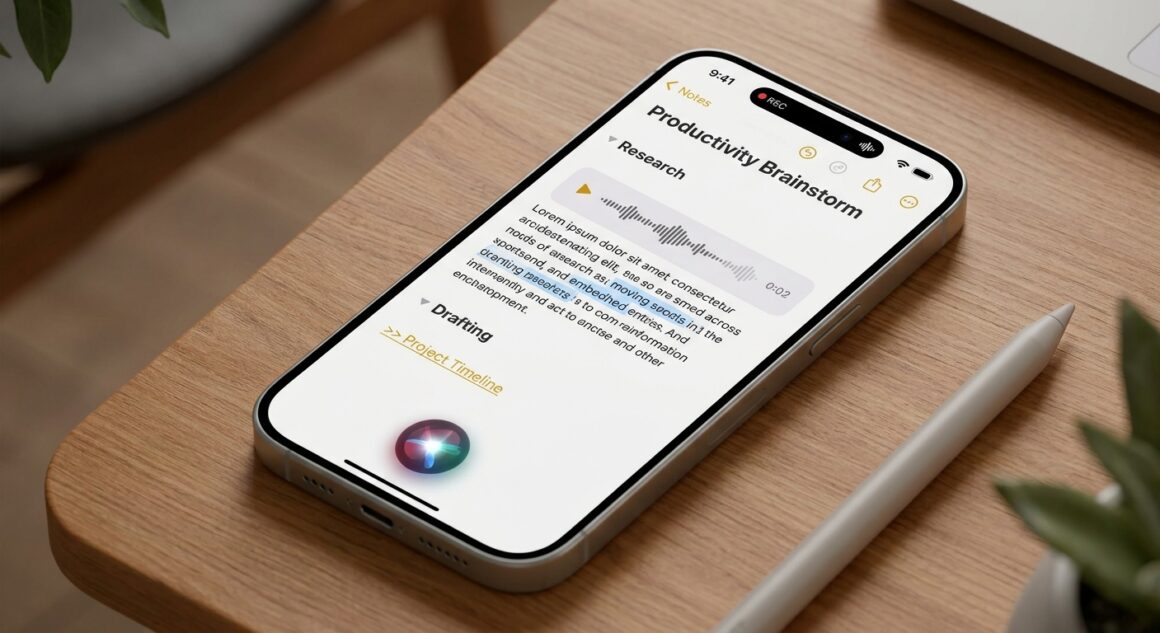
Apple Notes AI features help users turn notes into a smarter productivity system with audio recording, live transcription, AI summaries, collapsible headings, note links, document scanning, locked notes, and faster search across Apple devices.
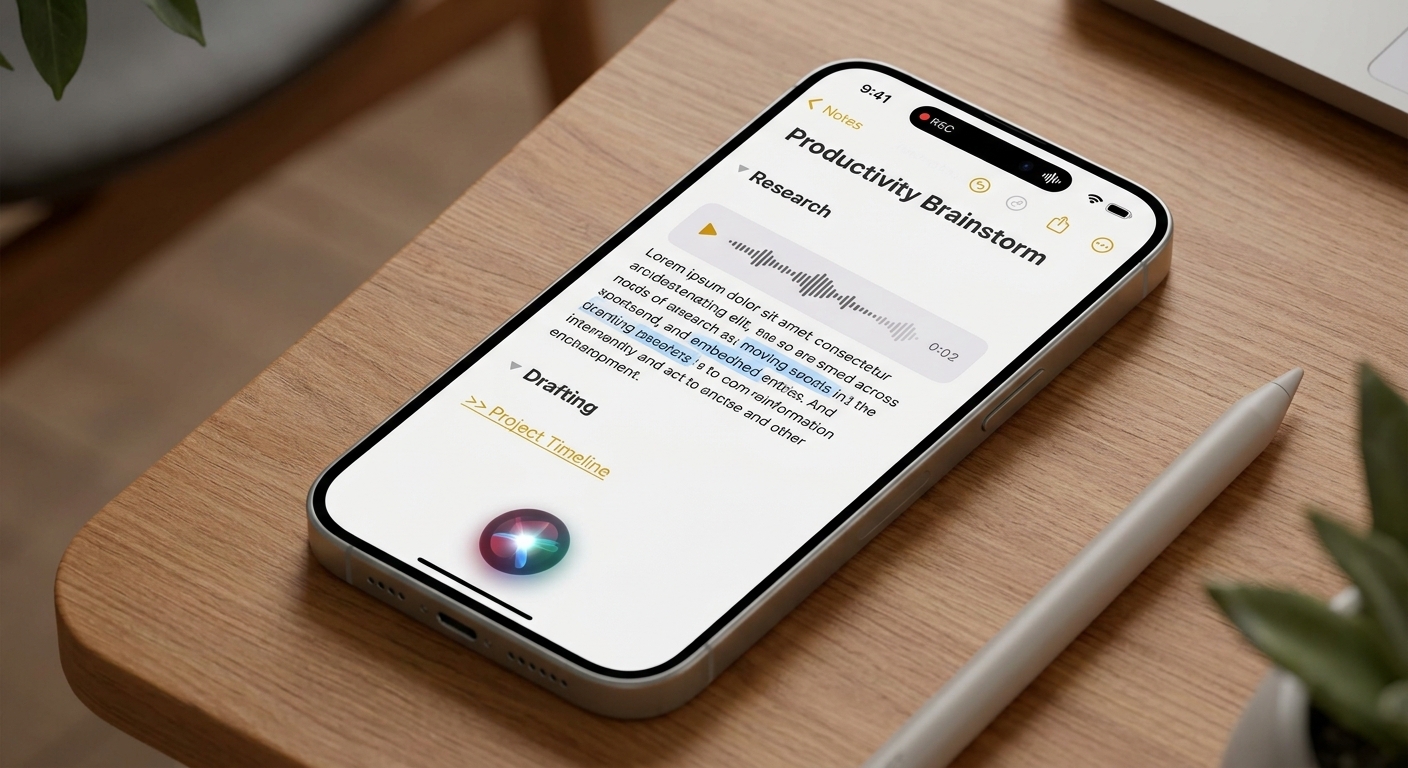
The strongest reason to care about Apple Notes AI features is speed. A messy note can become a transcript, a summary, a linked project hub, and a searchable record without leaving the Apple ecosystem.
Why Speed Matters
Fast capture matters when notes come from meetings, errands, ideas, and research. Apple Notes AI features reduce the number of manual steps between hearing something and turning it into usable text.
That is why Apple Notes AI features are useful for people who capture a lot of information but do not want to maintain a complicated second-brain system.
Key Takeaways
- Apple Notes can record audio inside a note.
- Recorded audio can be converted into searchable transcript text.
- Supported Apple Intelligence devices can summarize long notes and transcripts.
- Collapsible headings make long project notes easier to scan.
- Internal note links connect related meetings, research, and checklists.
- Siri and search can find notes by topic, document, or remembered detail.
- Scanned documents can keep paper receipts and forms in the same workspace.
- Locked notes help protect sensitive personal or work information.
- Headings and links make Apple Notes AI features more useful over time.
Related Reading: What Did Tim Cook Share in His Final Memo as Apple CEO?
System Requirements and Compatibility
Core tools
Core tools such as audio recording, transcripts, collapsible sections, scanning, note links, and locked notes work across modern Apple software versions.
Apple Intelligence tools
Advanced summaries and some smarter Siri behavior require Apple Intelligence support. Users should check the device before building a workflow around those capabilities.
How to Use Apple Notes for Audio and Transcripts
Turn recordings into searchable text
Open a note, use the attachment or plus control, and start an audio recording. Once the recording is saved, the transcript makes the conversation easier to search and review.
For meetings, interviews, and lectures, this is one of the most practical Apple Notes AI features because it turns spoken context into text that can be organized later.
Where the Feature Set Fits
The best use case is not replacing a full project-management app. It is giving ordinary notes enough structure that they can support real work.
Users who rely on Apple Notes AI features should create a simple convention: one heading for context, one for action items, one for references, and one for follow-up.
Quick Organization Shortcuts
- Pin active notes: Keep current projects at the top of the notes list.
- Scan documents: Add contracts, receipts, and handwritten pages directly to the note.
- For detailed scanning and signing controls, refer to Apple’s guide on scanning documents on iPhone or iPad.
- Lock private notes: Protect sensitive records with device security.
- Follow Apple’s password protection setup guide to secure individual files.
- Use consistent headings: Make long notes easier to collapse and search.
- Link related notes: Connect meetings, sources, scans, and follow-up tasks.
Frequently Asked Questions
Can Apple Notes transcribe audio?
Yes. Recent versions of Apple Notes can record audio and generate transcript text inside the note.
Do Apple Notes AI features work on every device?
No. Basic note organization works broadly, but advanced Apple Intelligence features require supported hardware.
What is the best first use case?
The best first use case is a meeting note or research note because recording, transcript search, summaries, headings, and linked references all help immediately.
Bottom Line
Apple Notes AI features are strongest when they make saved information easier to use later. Capture the audio, keep the transcript, add headings, link the context, scan the documents, and use search when it is time to act.
Related reading on wpradar.com: New iPhone 18 Setup Checklist for a Smooth Transfer; Make Live Photos Loop, Bounce, and More on iPhone.