




Direct Answer
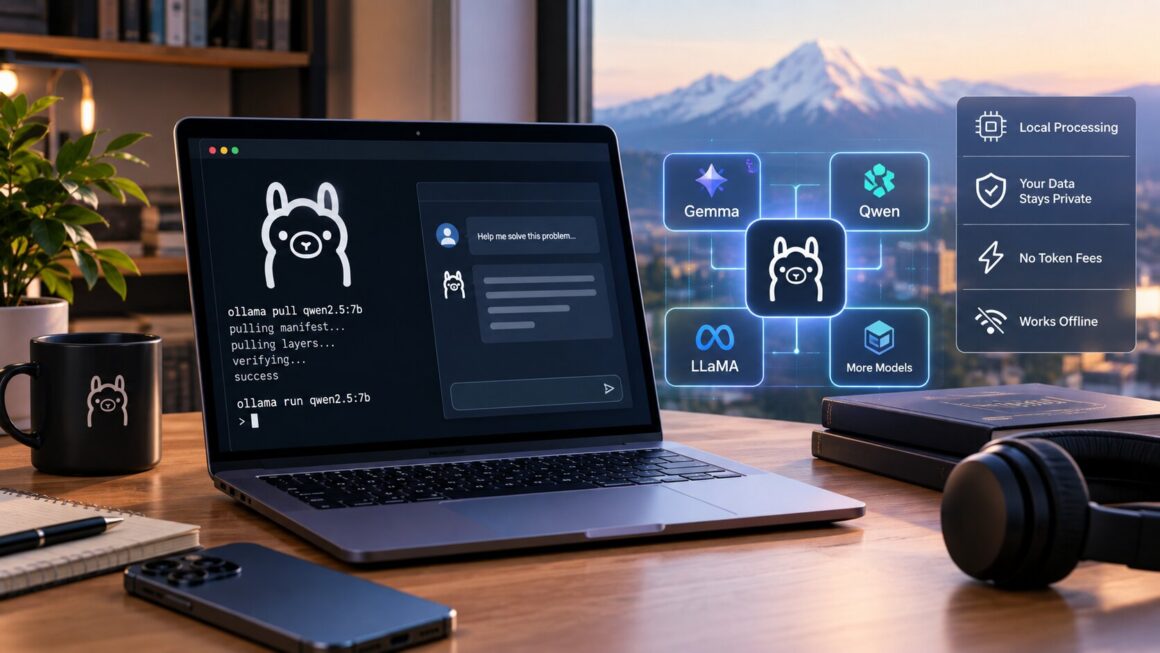
The practical way to run local AI models with Ollama is to install Ollama, pull a model that fits the computer, and test prompts through the command line or localhost API before building a workflow around it.
Why a Local AI Setup Is Worth Testing
Local inference is useful when teams want a private sandbox. Instead of sending every experiment to a hosted model, Ollama can keep early prompt tests, draft summaries, and development work on the machine.
The tradeoff is hardware. A laptop can run smaller models well, while larger models may need more memory or a stronger GPU to feel responsive.
Key Takeaways
- Ollama gives users a simple way to download and run open-weight models.
- The localhost API makes local AI useful for tools and automations.
- Smaller quantized models are often better for everyday machines.
- Private prompts can stay on-device during testing.
- Model quality should be tested against real tasks before adoption.
- Hardware limits affect speed, context size, and usability.
- Local models can support drafts, summaries, coding help, and prototypes.
- Cloud models may still be better for heavy reasoning or multimodal work.
- Storage planning matters because models can be large.
- Teams should document which model works for which workflow.
- Running local AI models with Ollama works best when expectations are clear.
How to Build a Practical Ollama Workflow
Start with one model
Pick a model, pull it locally, and test common prompts before comparing alternatives. This avoids chasing model names before understanding the task.
Check privacy assumptions
Running local AI models with Ollama can reduce data exposure, but teams still need rules for what local files, APIs, and users can access.
Connect the API carefully
Ollama’s local API is powerful because apps can call it directly. Keep the endpoint local unless there is a deliberate reason to expose it.
Related Reading: What Is the Mac Studio M5 Performance Level?
Frequently Asked Questions
Can Ollama replace every cloud model?
No. It is strongest for private experiments, drafting, coding support, and local workflows. Hosted models may still perform better on demanding tasks.
What is the safest first project?
Start with a private summarization or coding-helper workflow where speed and privacy matter more than maximum model size.
Why use local AI at all?
The reason to use local AI models with Ollama is control: local data, local latency, predictable testing, and fewer early cloud costs.
Bottom Line
Ollama is a practical entry point for local AI because it makes model download, serving, and API access manageable. If you want private experiments before cloud deployment, local AI models with Ollama is a strong place to start.
Source: MindStudio. Read the original article.
Related reading on wpradar.com: 2026 Technology Trends That Can Drive Digital Growth; OpenAI’s $1B Advertising Run Rate: What It Means.
